
AI Hairstyler: Try On
See it before you cut it.
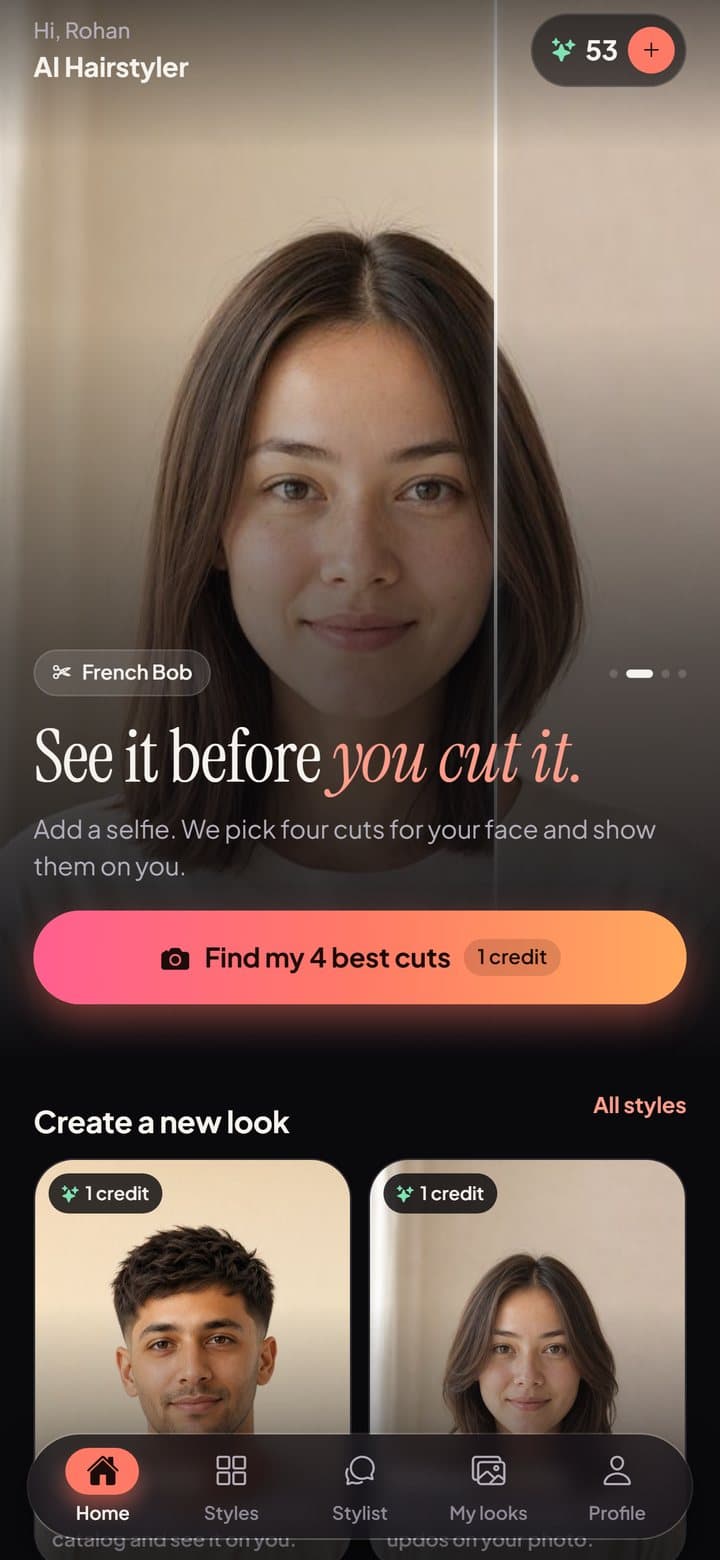
Add a selfie, pick a haircut or color, and see it on your own photo in about a minute. Walk into the barber or salon knowing exactly what you want.
- ● First look free
- ● Private by default
- ● Delete anytime
How it works
Three steps to your next cut.
Add a selfie
One clear, front-facing photo. Take it in the app or pick one from your library.
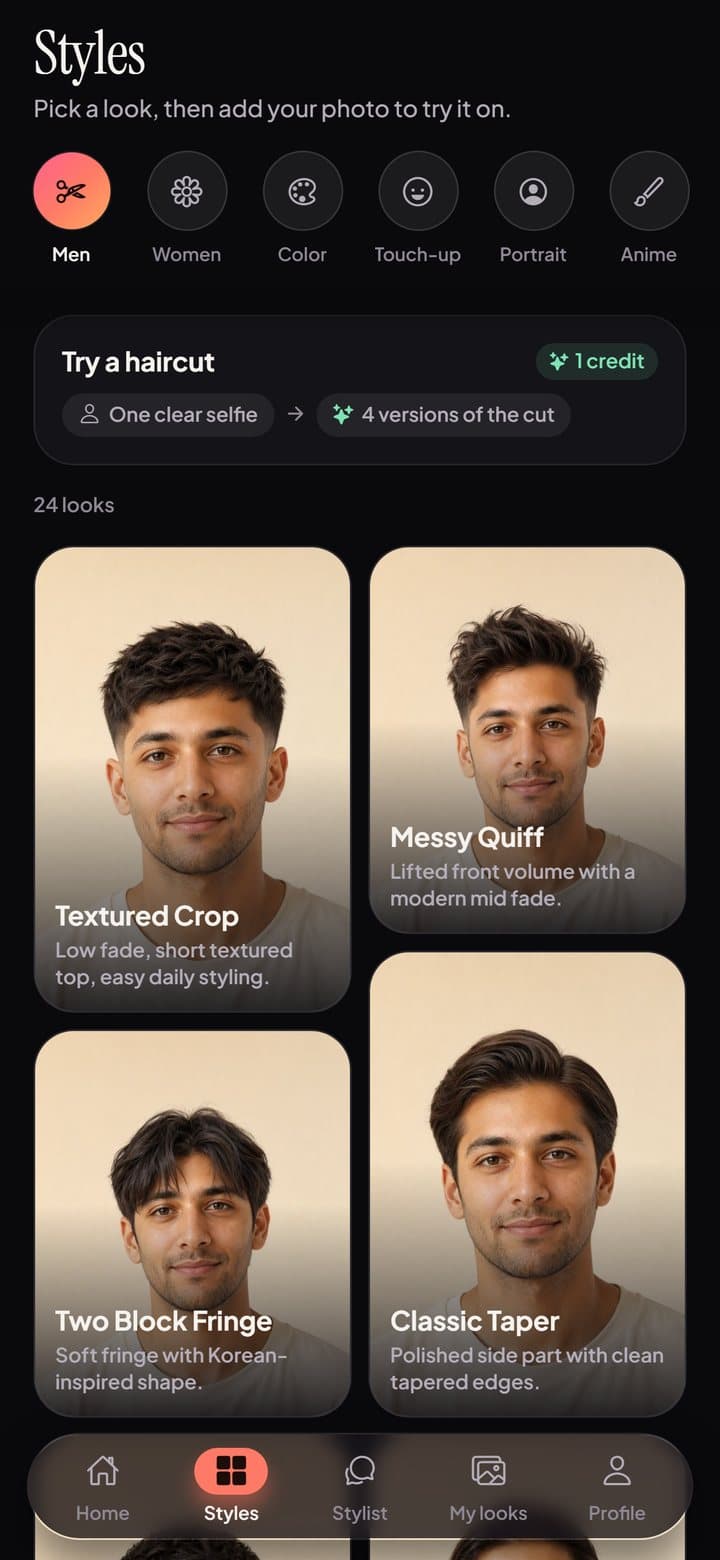
Pick a cut or color
Browse men's cuts, women's cuts and hair colors, or let us pick four cuts that suit your face.
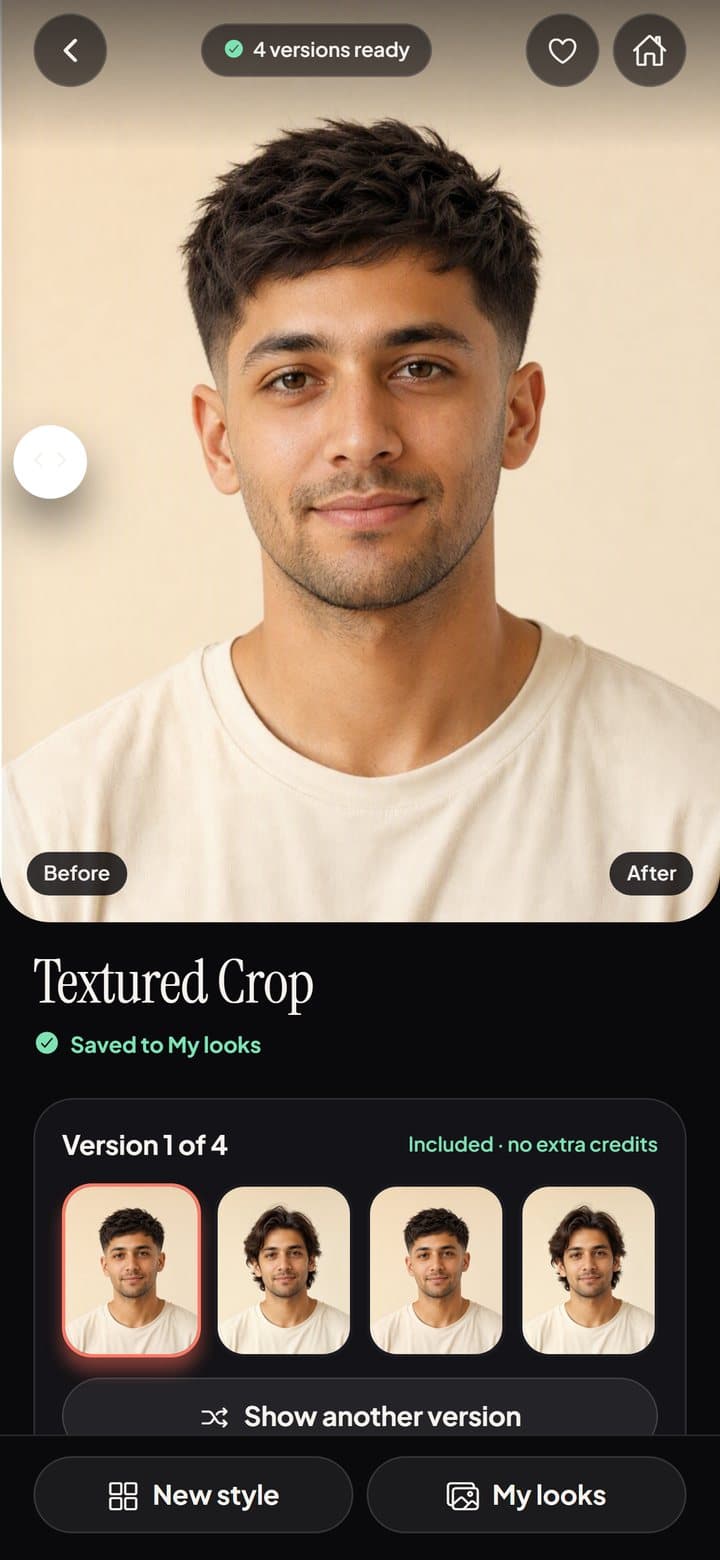
See it on you
Your new look appears on your own photo in about a minute. Drag to compare before and after.
What you can do
More than a haircut preview.
Haircuts and colors
Fades, crops, bobs, layers, curls, long styles and colors, shown on your own selfie.
Your best four cuts
Add one selfie and we pick four cuts for your face shape, then show them on you.
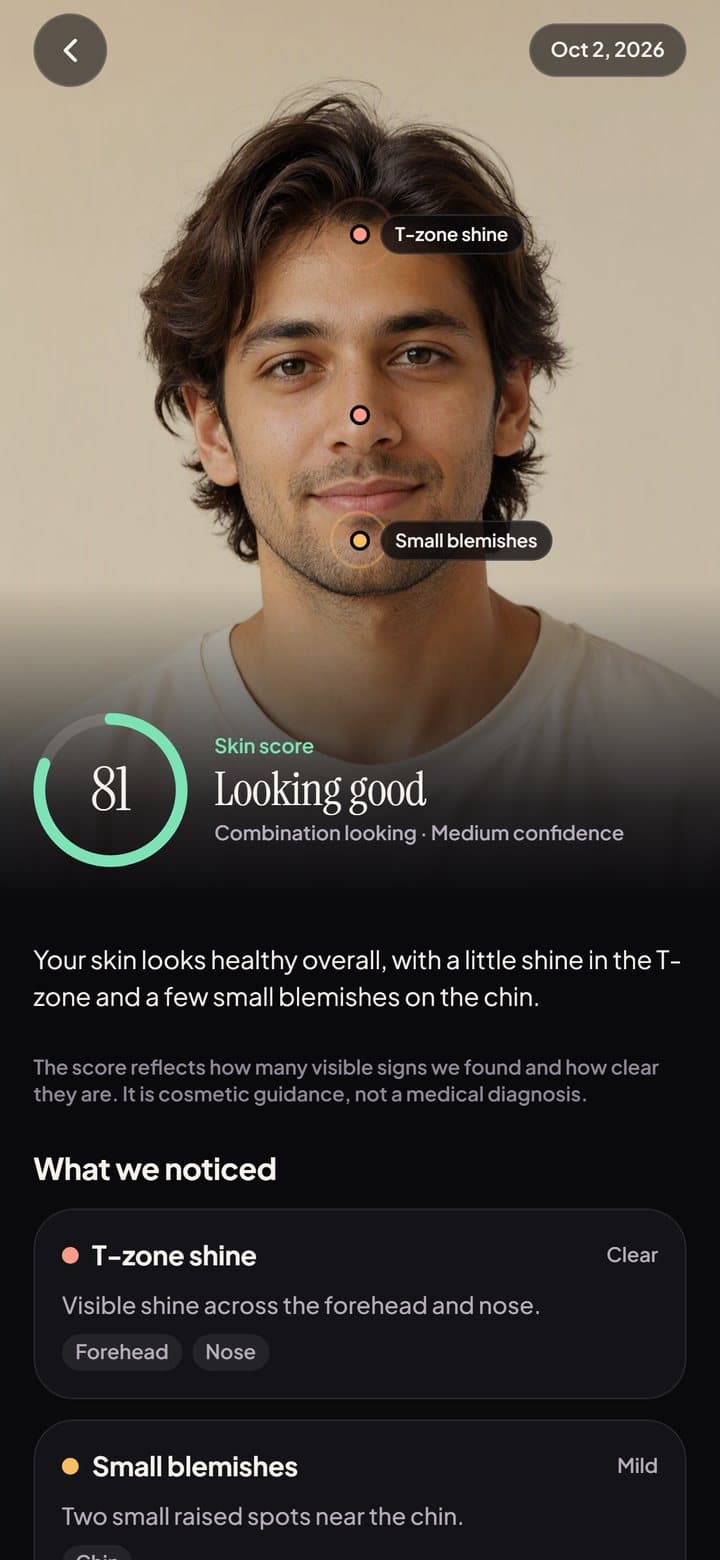
Skin scan
One selfie and a quick live scan give a cosmetic skin report with a morning and evening routine.
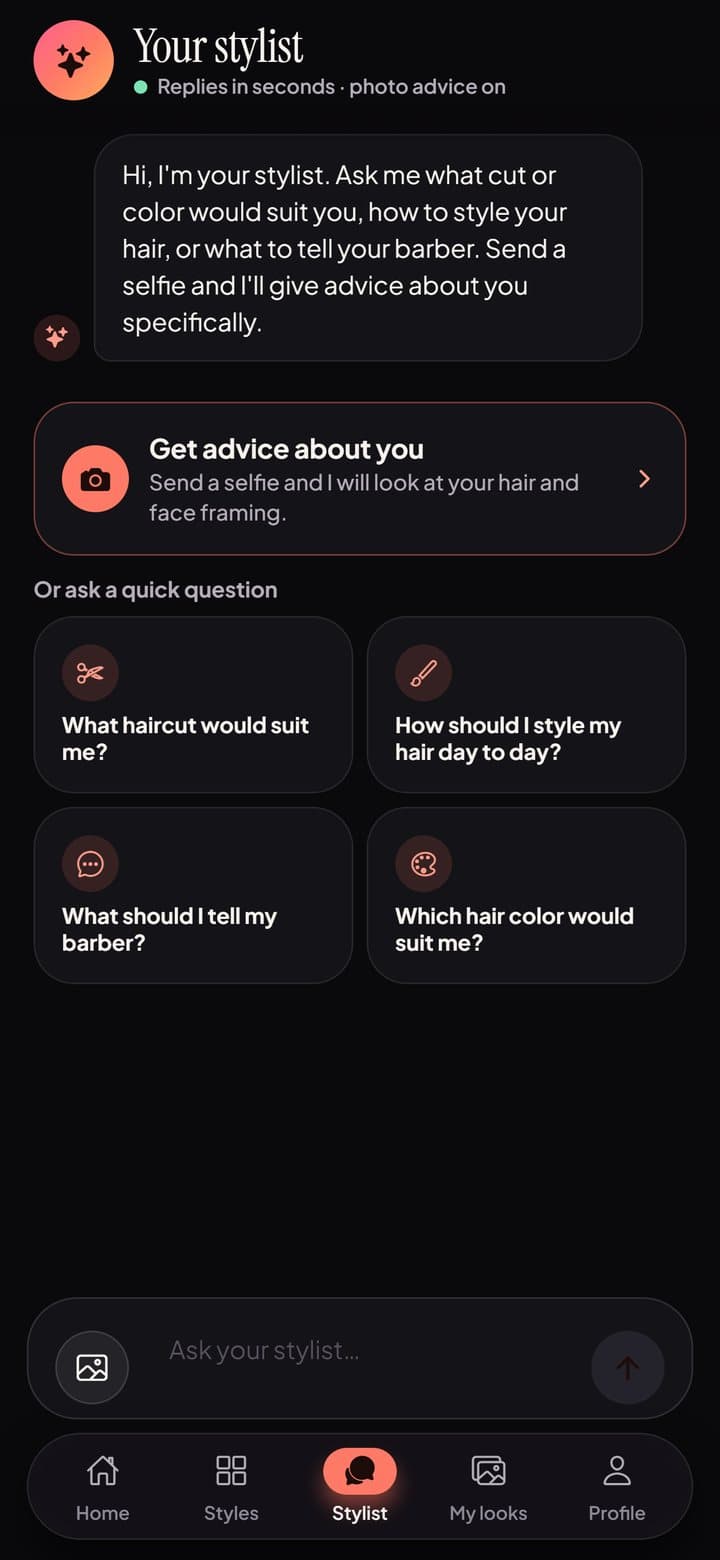
Your own stylist
Chat about what cut or color would suit you and exactly what to tell your barber.
Touch-ups and portraits
Smile and skin touch-ups, portrait modes and anime versions of you.
Private by default
Your photos stay private in your account. Delete them, or your whole account, anytime in Settings.
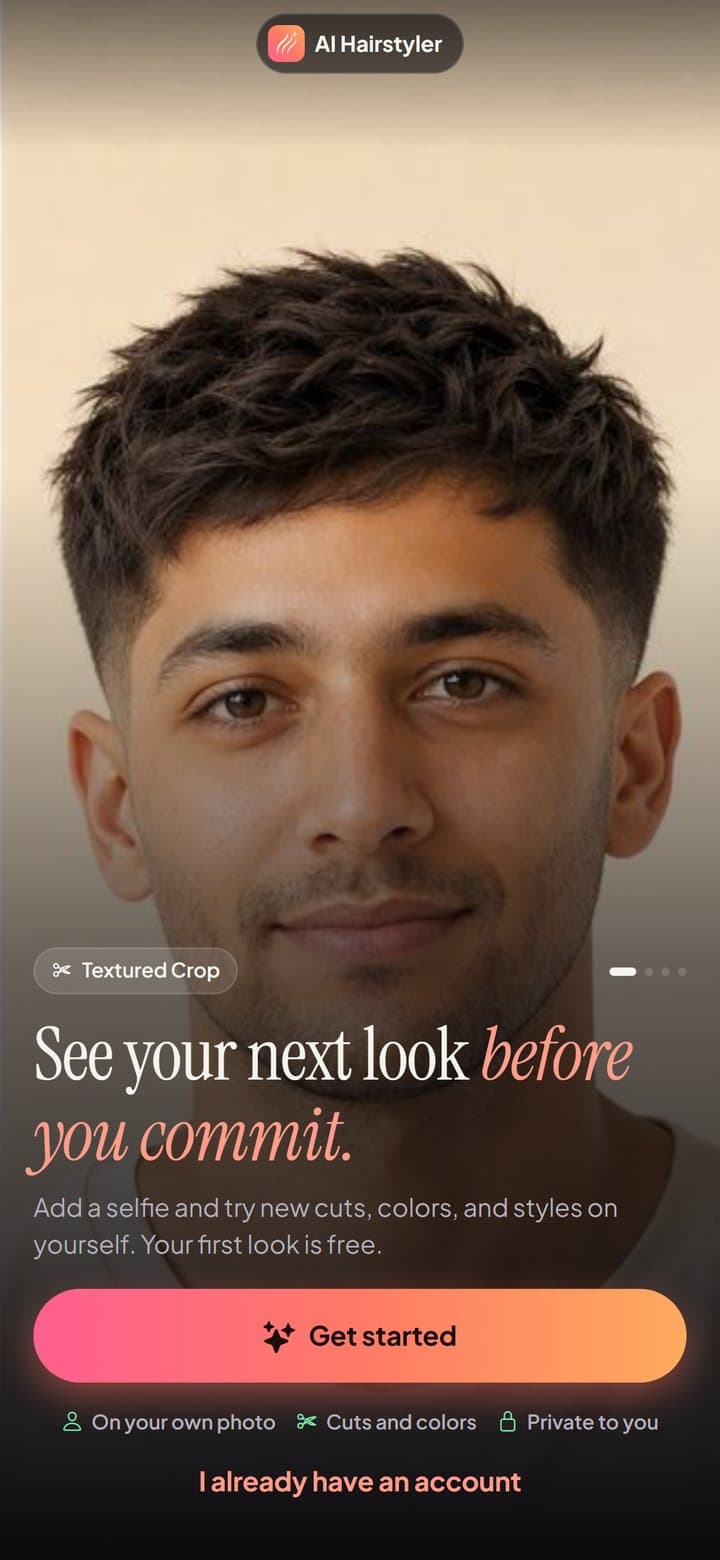
Inside the app
Real screens, no mockups.
Pricing
Your first look is free.
Every tool shows its cost before you start. Prices for your country are shown in the app before you buy.
Credit packs
One-time purchases. Credits never expire and are used to make new looks. If a look fails, its credits come back.
Pro Weekly and Pro Annual
Every Pro tool, four versions of every cut, HD downloads with no watermark, and credits added every period.
Subscriptions renew automatically at the price shown unless cancelled at least 24 hours before the end of the current period. Payment is charged to your Apple Account. Manage or cancel in Settings › your name › Subscriptions.
Privacy
Your face, your call.
To make a preview, your photo is sent securely to our image partner, Microsoft Azure OpenAI. The app asks for your permission before the first photo, skin scan or chat message.
- ✓Photos and results stay private in your account.
- ✓Not used to train models. No face templates.
- ✓No ads and no tracking across other apps.
- ✓Delete your account and data anytime in Profile › Settings.
- Privacy PolicyDelete your data
FAQ
Good questions.
How does it work?+
Add a selfie, choose a haircut, color or edit, and the app shows that look on your own photo, keeping your face, skin tone and lighting.
Is it free?+
Your first look is free. After that, each look costs credits, shown before you start. Credit packs are one-time purchases that never expire. Pro Weekly and Pro Annual subscriptions unlock every Pro tool, four versions of every cut, HD downloads with no watermark, and credits every period. Current prices are shown in the app before you buy.
How do I cancel a subscription?+
On iPhone, open Settings › your name › Subscriptions › AI Hairstyler. Subscriptions renew automatically unless cancelled at least 24 hours before the end of the current period. You keep Pro until the end of the period you paid for.
Who sees my photos?+
Your photos and results stay private in your account. To make a preview, the photo is sent securely to Microsoft Azure OpenAI, and the app asks for your permission before the first one. Photos are not used to train models, and we do not create face templates.
How do I delete my account and data?+
In the app, open Profile › Settings › Delete account & data. This removes your profile, photos, looks, skin reports and credits right away. You can also email us; see the Data Deletion page.
Is the skin scan medical advice?+
No. Skin reports are cosmetic guidance only, not a medical diagnosis. See a dermatologist for any medical concern.